Introduction to Midjourney
Midjourney is one of the most powerful AI image generation tools available in 2026, capable of transforming text descriptions into stunning, photorealistic, or artistically stylized images. Unlike simpler AI art tools, Midjourney excels at creating images with remarkable artistic quality, composition, and attention to detail. It has become the go-to tool for designers, marketers, content creators, and artists looking to rapidly prototype visual concepts or create finished artwork.
The platform operates through Discord, where users interact with the Midjourney bot by typing commands and prompts. While this might seem unusual compared to traditional web interfaces, the Discord-based workflow has proven surprisingly intuitive and has fostered a vibrant community of millions of creators who share techniques, inspiration, and feedback.
Midjourney's technology is built on diffusion models, a type of generative AI that gradually refines random noise into coherent images based on text descriptions. The current version offers unprecedented control over image generation, including consistent character creation, precise style mimicking, and the ability to work with reference images for composition guidance.
Does this live up to the hype?
Setting Up Midjourney
To begin using Midjourney, you will need a Discord account and a Midjourney subscription. Start by visiting midjourney.com and clicking the "Join the Beta" button, which will redirect you to Discord. Once you accept the invite to the Midjourney server, you can explore the community channels and see what other users are creating.
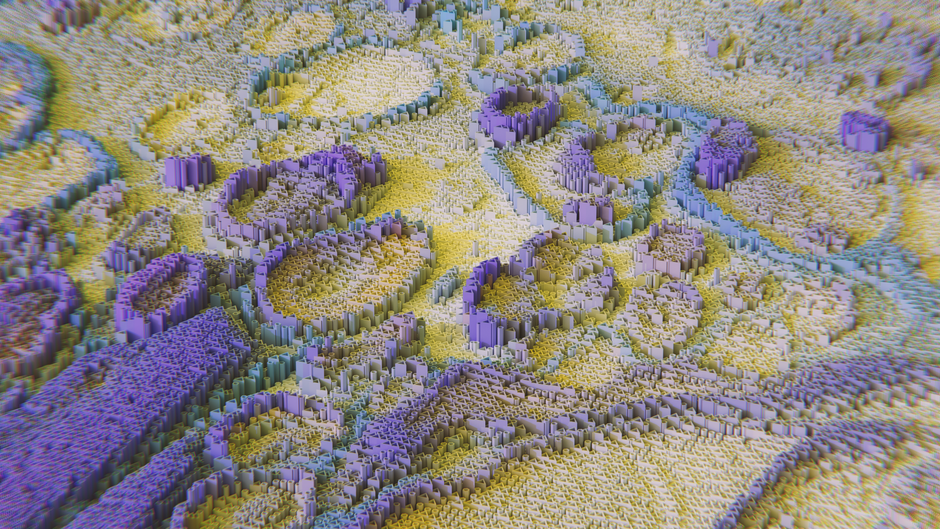
For generating images, you will need a subscription plan. Midjourney offers several tiers ranging from a Basic plan suitable for casual users to Pro plans designed for heavy commercial use. The subscription provides you with a certain number of GPU minutes per month, which translates to image generations. New users receive a small number of free trial generations to test the platform before committing to a subscription.
Once subscribed, you can generate images by typing the /imagine command followed by your prompt in any of the newcomer bot channels or in direct messages with the Midjourney bot. The bot will begin processing your request and typically returns four image variations within 30-60 seconds, depending on server load and your subscription tier.
So where does that leave us?
Crafting Effective Midjourney Prompts
The art of writing effective Midjourney prompts is a skill that develops with practice. A good prompt typically includes the subject, artistic style, lighting, composition, and technical parameters. The more specific and descriptive your prompt, the better the results will align with your vision.
A basic prompt might be: "a dragon flying over a mountain." While this will produce an image, the results will be unpredictable. A refined prompt would be: "A majestic red dragon soaring above snow-capped mountains at golden hour, dramatic lighting, cinematic composition, hyperrealistic style, 8K resolution, --ar 16:9 --style raw." This detailed prompt gives Midjourney much more information to work with, resulting in a more controlled and impressive output.
Midjourney supports many artistic styles. You can reference specific artists for inspiration, specify art movements like "art nouveau" or "cyberpunk," describe photographic styles such as "macro photography" or "aerial drone shot," or use technical descriptors like "octane render" or "unreal engine 5." The platform also supports negative prompting, where you can specify elements you do not want in your image using the "--no" parameter followed by the unwanted elements.
Sounds simple, right?
Understanding Midjourney Parameters
Midjourney offers a comprehensive set of parameters that give you precise control over your image generations. The aspect ratio parameter (--ar) is one of the most commonly used, allowing you to specify the width-to-height ratio of your image. Common ratios include 16:9 for widescreen, 1:1 for square, and 9:16 for vertical formats suitable for social media stories.
The stylize parameter (--s or --stylize) controls how strongly Midjourney applies its default artistic style to your image. Higher values produce more artistic but potentially less prompt-accurate results, while lower values give you more literal interpretations. The chaos parameter (--c or --chaos) introduces variation among the four generated images — higher chaos means more diverse outputs, which is great for exploration but less predictable.
For professional work, the style reference feature (--sref) is invaluable. You can provide a URL to an image whose style you want Midjourney to emulate, and it will apply similar artistic treatment to your generation. Similarly, character reference (--cref) helps maintain consistent character appearance across multiple generations, which is essential for projects like comic books, storyboarding, or brand mascot design.
Advanced Techniques and Workflows
As you progress beyond basic generation, several advanced workflows can make a big difference to your results. Image prompting allows you to include reference images alongside your text prompt, using them as composition guides or style references. Simply paste image URLs at the beginning of your prompt, and Midjourney will incorporate them into its generation process.
The remix mode is another powerful feature that lets you iteratively refine images. When enabled, each variation you generate allows you to modify the original prompt, guiding the image evolution in a specific direction. This iterative workflow is particularly useful for client work where you need to dial in specific visual elements through multiple rounds of feedback.
For professional creators, combining Midjourney with other tools creates a powerful production pipeline. Many designers use Midjourney for initial concept generation, then refine the results in Photoshop or other editing software. Others use Midjourney to create assets for video projects, website designs, or print materials. The key to professional results is understanding that AI generation is just the first step — human refinement and curation remain essential parts of the creative process.
But is that the whole story?
Commercial Use and Copyright Considerations
As AI-generated art becomes more prevalent, understanding the legal landscape is crucial. Midjourney's terms of service grant paid subscribers full commercial usage rights for images they create, subject to certain conditions. However, the broader legal questions around AI art copyright are still evolving, with different jurisdictions taking different approaches to whether AI-generated works can be copyrighted.
For commercial projects, it is wise to significantly modify AI-generated images rather than using them as-is, establishing a clear chain of human creative input. Keep records of your prompts, iterations, and post-processing steps. When working with clients, be transparent about your use of AI tools, and consider consulting with a legal professional for high-stakes commercial projects involving AI-generated content.
Bottom Line
I remember the first time I tried this— - Midjourney operates through Discord and requires a paid subscription for ongoing use
- Effective prompts combine subject description, artistic style, lighting, and technical parameters — took me a while to figure this out
- Parameters like aspect ratio, stylize, and chaos give you precise control over generations — game changer in my workflow
- Style and character references enable consistent visual output across multiple images
- The remix mode supports iterative refinement for professional-grade results — your experience may differ, but this worked for me
- Commercial usage rights are included with paid subscriptions but require understanding of evolving AI copyright law
- Combine Midjourney with traditional editing tools for professional production workflows
Does this live up to the hype?



