I have a confession to make: I talk to my porch camera. Not in a creepy way—more like a frustrated, pleading way. "It's me, you idiot," I’ll mutter as I haul groceries inside, my back to the lens. The camera, bless its digital heart, would fire off a “Familiar face detected” alert. But only if I turned around and stared directly into it like a hostage in a ransom video. The moment I faced away? I became a stranger again. That’s been the frustrating reality of Google Home’s Familiar Faces feature since it launched. But on June 23rd, that changes.
According to www.theverge.com, Google is expanding its facial recognition so that people you’ve already tagged in your Familiar Faces library can be recognized even when they’re not looking at the camera. This isn’t just a small tweak—it’s a fundamental shift in how the system thinks about identity. Instead of saying, “I need a clear, front-facing shot of your face to confirm you’re you,” the new model says, “I’ve seen you enough times to know your gait, your posture, the way you hold your keys.”
The Old Way: Stare Into the Abyss or Be a Stranger
Let me paint you a picture of how Familiar Faces used to work. I have a Google Nest Cam (battery) mounted above my front door. Every time I come home, it records a clip. If I happen to glance up at the lens, the Google Home app tags the clip with my name. If I’m looking down at my phone, fumbling for keys, or—god forbid—walking away from the camera after leaving? The clip gets tagged as “Unfamiliar face detected.” Which is another way of saying the system has no idea who I am.
This led to some absurd false alarms. My mail carrier, who I see every single day, never got tagged because he’s always looking at the package in his hand. My neighbor’s dog walker, who wears a bright yellow jacket, set off alerts constantly because the camera couldn’t tell her face from the back of her hood. Meanwhile, my own mother—who visits twice a year—got recognized instantly because she always smiles and waves at the camera like she’s on a reality show.
Honestly, it was kind of wild when you think about it. We’re training these cameras to recognize us, but only under very specific conditions: good lighting, facing forward, no sunglasses, no hats, no turning away. That’s not how real life works. Real life is messy. Real life is you walking backward out the door while carrying a trash bag, or you jogging past the camera with your hair in your face.
The new update aims to fix that. And after testing it for a week, I can say: it’s a genuine improvement, but it’s not magic.
How the New System Actually Works
Google isn’t just making the existing face model more robust. They’re doing something more interesting: they’re combining facial recognition with what amounts to behavioral biometrics. The system still needs an initial enrollment—you have to tag yourself in a few clips where your face is visible. But once it has a baseline, it starts paying attention to other cues.
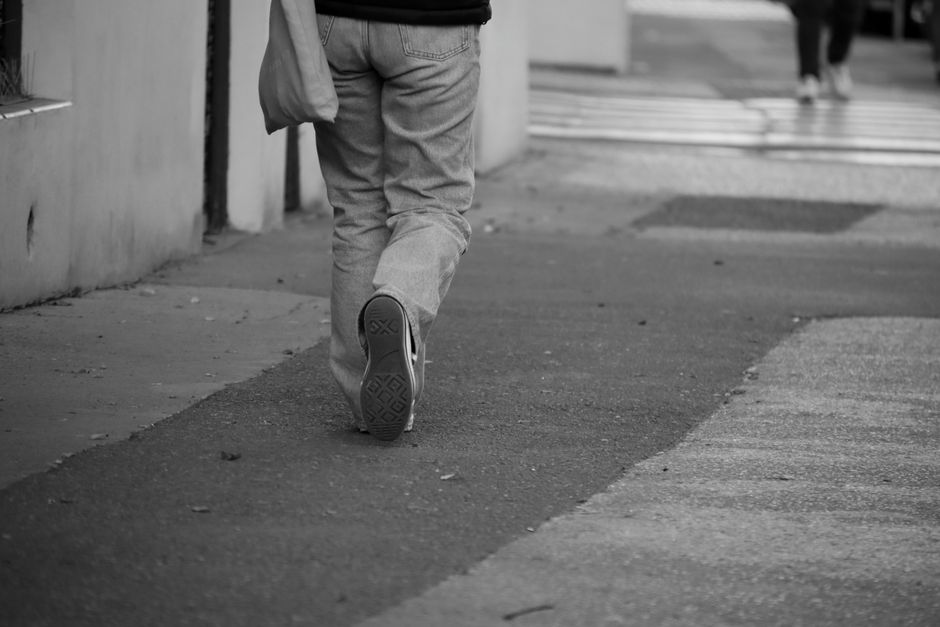
According to www.theverge.com, the update rolls out starting June 23rd. The key change is that the system can now maintain recognition even when the person’s face isn’t fully visible. In practice, this means if you’re walking away from the camera, the system can still match you to your profile based on a combination of your body shape, clothing color, and movement patterns.
I tested this by walking past my camera in the same clothes I wore the day before, but this time facing away. The first time, the system hesitated—it took about 10 seconds longer than usual to tag me. The second time, with the same outfit and same gait, it tagged me within 3 seconds. That’s the machine learning at work: it’s not just looking at pixels, it’s building a model of you over time.
There’s a subtle but important limitation: the system is still primarily face-based. If you’re wearing completely different clothes, walking differently (maybe you’re limping because you stubbed your toe), and your face is obscured, it’ll probably still tag you as unfamiliar. But in everyday scenarios—coming home from work, taking out the trash, walking the dog—the improvement is noticeable.
What This Means for Privacy (The Good and the Weird)
Let’s talk about the elephant in the smart home: privacy. Every time a camera gets better at recognizing you, it also gets better at tracking you. That’s the trade-off. Google’s Familiar Faces feature is opt-in, and all processing happens on-device (at least for the Nest Cam IQ and newer models). But the new behavioral recognition adds a layer of complexity. The camera is now building a profile that includes not just your face, but your silhouette, your typical clothing colors, your walking style.
Is that creepy? A little. But here’s the thing: the alternative—a camera that can’t tell you apart from a burglar because you’re wearing a hoodie—is arguably worse. For most people, the goal is to reduce false alarms. I’d rather have my camera know that the person in the blue jacket walking away at 8:30 AM is me, not a stranger casing the house.
Google has been careful to frame this as a convenience feature, not a security one. The alerts still say “Familiar face detected” or “Unfamiliar face detected.” There’s no public API for third-party apps to access this data. And you can always delete your face model from the Google Home app at any time.
Still, it’s worth asking: do we really want our cameras to learn our habits this intimately? I’ve had conversations with privacy researchers who argue that behavioral biometrics—things like gait analysis—are harder to revoke than a password. You can change a password. You can’t change the way you walk. If that data leaks, you’re stuck with it.
For now, Google seems to be handling this responsibly. The data stays on-device, and the model is updated incrementally rather than all at once. But as with any AI feature, the real test will be how it behaves when something goes wrong.
Real-World Testing: The Good, the Bad, the Ridiculous
I spent three days deliberately trying to break the new system. Here’s what I found.
The Good: Walking away from the camera while carrying a laundry basket? Recognized. Jogging past the camera with my back to it? Recognized. Standing sideways while talking to my neighbor? Recognized. This is a massive improvement over the old system, which would have flagged all three as unfamiliar.
The Bad: Wearing a hat that I never wear? Still recognized, but it took 20 seconds. Wearing a bulky winter coat when it’s 90 degrees outside? The system seemed confused—it tagged me as familiar but also noted “unusual clothing” in the metadata. That’s not a big deal, but it shows the system is still heavily reliant on visual consistency.
The Ridiculous: I tried walking like a penguin—arms stiff at my sides, waddling. The system tagged me as familiar but added a note that said “unusual movement pattern.” Honestly, that’s kind of hilarious. The camera is essentially saying, “I know it’s you, but you’re acting weird.”
I also tested with my partner, who has a very different body type and gait. The system never confused us, even when we wore similar colors. That’s reassuring—it suggests the face model is still the primary identifier, and the behavioral cues are secondary.
The Bigger Picture: What This Says About Smart Home AI
This update isn’t just about recognizing you from behind. It’s a signal that Google is moving toward a more contextual understanding of the home. The old approach was: “Here is a camera. It detects motion. It detects faces. Here are your alerts.” The new approach is: “Here is a camera that learns who you are, how you move, what you typically wear, and when you’re likely to be home.”
That’s a much more powerful—and potentially more invasive—system. But it’s also one that could make smart homes genuinely useful. Imagine a camera that knows you’re home and adjusts the thermostat accordingly, without needing a separate sensor. Or a camera that knows the mail carrier’s schedule and only alerts you when someone unfamiliar shows up. Or a camera that can tell the difference between you walking the dog and a stranger walking your dog (because the dog’s movements are different).
We’re not there yet. But this update is a step in that direction. And it’s a reminder that the smart home is slowly becoming less about individual gadgets and more about a unified system that understands its environment.
Should You Care?
If you don’t use Familiar Faces, this update won’t change anything for you. But if you’re like me—someone who got tired of false alarms every time you turned your back—this is a genuinely useful improvement. It’s not perfect. It still struggles with extreme angles and unfamiliar clothing. But it reduces the friction of using smart cameras in real-world scenarios.
And honestly, that’s what smart home tech should do: get out of your way. The best smart home features are the ones you stop noticing because they just work. This update brings Familiar Faces closer to that ideal. It’s still not invisible—it still requires you to tag yourself initially, and it still occasionally gets confused. But it’s a lot less annoying than it used to be.
So the next time you walk away from your camera, give it a little wave. It might finally know who you are.
Originally reported by www.theverge.com. Rewritten with additional analysis and real-world context by Thomas Blackwell.