How AI Has Transformed Photography
Photography has been completely transformed by artificial intelligence, touching every stage from the moment you press the shutter to the final edited image. In 2026, AI isn't just a feature in photo editing software — it's the engine that powers modern cameras, cloud photo services, and creative tools that were unimaginable just a few years ago.
The most profound change is that AI has democratized professional-quality photography. Techniques that once required years of experience and expensive software are now accessible to anyone with a smartphone. Complex edits that would have taken hours in Photoshop can be accomplished in seconds with a prompt or a single click. Understanding AI photography tools is essential for anyone who wants to take better photos, whether you're a professional photographer or someone who just wants better family snapshots.
AI photography tools fall into several categories: capture assistance that helps you take better photos, enhancement tools that improve image quality, creative editing that transforms images artistically, and generative AI that creates entirely new imagery. Each category has seen remarkable advances, and the line between traditional photography and AI-generated imagery continues to blur.
AI-Powered Camera Technology
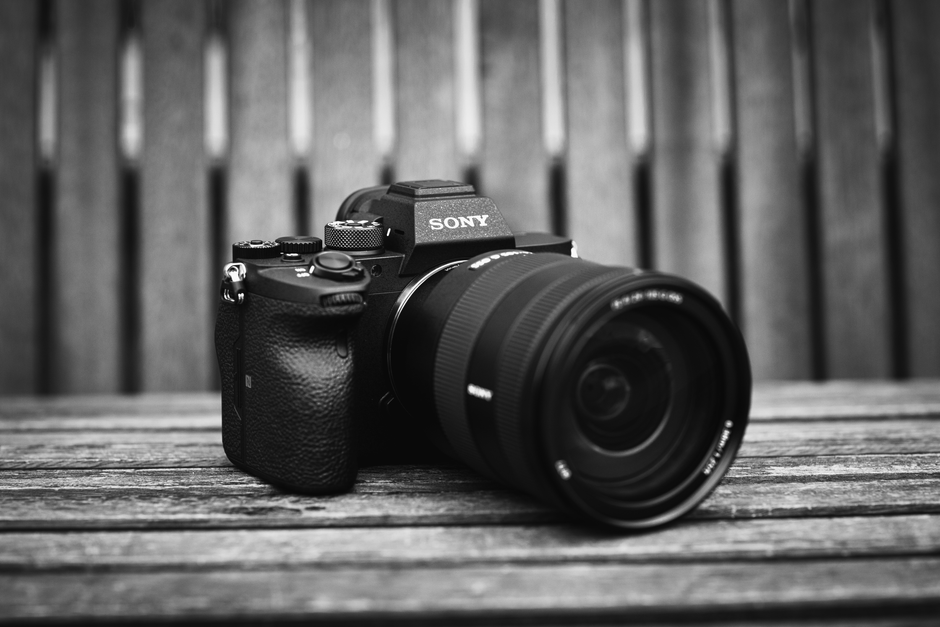
Modern cameras, including those in smartphones, are powered by sophisticated AI that operates before you even take the photo. Computational photography combines multiple exposures, analyzes scene content, and optimizes camera settings in real-time to produce the best possible image. The AI identifies what yyou'rephotographing — a portrait, a landscape, food, a pet, or a nighttime scene — and adjusts processing accordingly.
Scene recognition has become remarkably precise. The AI can distinguish between dozens of scene types and apply optimized processing for each. For portraits, it enhances skin tones, applies subtle background blur, and optimizes facial lighting. For landscapes, it boosts dynamic range, enhances sky and foliage colors, and sharpens details. For food photography, it adjusts color temperature to make dishes look appetizing and enhances texture details.
AI-powered autofocus has advanced to the point where cameras can track subjects with extraordinary reliability. The AI recognizes faces, eyes, animals, and vehicles and can maintain focus even as subjects move unpredictably. Eye-tracking autofocus, once a feature of only the most expensive professional cameras, is now standard in mid-range models, ensuring that portrait subjects have sharp focus on their eyes in virtually any situation.
Night mode photography is perhaps the most visible AI camera feature. By combining multiple exposures and using AI to align and denoise the results, modern cameras can capture handheld night shots that would have required a tripod and long exposure just a few years ago. The AI intelligently handles motion — both camera shake and subject movement — to produce clean, bright images in extremely low light.
AI Photo Enhancement and Restoration
Once you've captured your photos, AI enhancement tools can make a big difference to image quality. The most fundamental enhancement is AI upscaling, which increases image resolution while adding realistic detail. Where traditional upscaling simply stretched pixels, AI upscaling analyzes the image content and generates plausible detail at higher resolutions. You can take a low-resolution image from an old phone and upscale it to print quality.
AI denoising has become remarkably effective. High ISO images that would have been unusable due to grain and noise can be cleaned up while preserving detail. The AI understands the difference between noise and texture, removing unwanted grain while keeping important details like skin texture, fabric patterns, and foliage sharp.
Photo restoration is one of the most emotionally impactful applications of AI. Old, damaged family photos can be restored by AI that removes scratches, repairs tears, corrects fading, and even colorizes black and white images. The AI understands what faces, clothing, and backgrounds should look like and can reconstruct missing portions of images convincingly. For treasured family photos that have deteriorated over decades, AI restoration can bring them back to life.
AI also excels at correcting common photo problems. It can fix exposure issues, correct white balance, reduce lens distortion, remove chromatic aberration, and straighten horizons automatically. For group photos, AI can detect everyone with eyes closed and swap in open eyes from another frame. It can remove photobombers, erase power lines from landscape shots, and clean up background clutter.
Sounds simple, right?
AI Creative Editing and Artistic Filters
Creative photo editing has been changed by AI tools that understand your artistic intent. Instead of manually adjusting sliders for contrast, saturation, and tone curves, you can describe the look you want, and the AI applies the appropriate adjustments. This has made sophisticated color grading accessible to everyone.
Generative fill and extension have become standard features in AI photo editors. If you want to extend the canvas of an image, the AI generates new content that matches the existing photo's style and perspective. If you want to remove an object, the AI fills the gap with appropriate background, understanding what should be there rather than just cloning nearby pixels. These tools work so well that it is often impossible to tell where the original photo ends and AI-generated content begins.
Style transfer allows you to apply the artistic style of famous painters or specific visual aesthetics to your photos. The AI does not just overlay a filter — it analyzes the content of your photo and the style of the reference image, then recreates your photo in that style while preserving the original content and composition. This goes far beyond the simple filters of earlier photo apps.
Portrait retouching has become particularly sophisticated. AI can smooth skin while preserving natural texture, enhance eyes and teeth, reshape facial features, and apply makeup effects that look natural. The best AI portrait tools give you granular control, so the result looks like a naturally beautiful version of the subject rather than an airbrushed mannequin.
AI Image Generation from Text Prompts
Text-to-image generation has exploded in capability and accessibility. Tools like DALL-E, Midjourney, and Stable Diffusion allow you to create original images simply by describing what you want. In 2026, these tools have become so capable that they're used by professional designers, marketers, and artists as a regular part of their workflow.
The most practical use of AI image generation for most people is creating custom visuals for presentations, social media, websites, and marketing materials. Instead of searching stock photo sites for the perfect image, you can generate exactly what you need. Need an image of a cat wearing a spacesuit on a purple planet? You can create it in seconds. Need a professional-looking hero image for your website? The AI can generate that too.
Image-to-image generation allows you to start with your own photo and transform it. You can sketch a rough composition and have the AI turn it into a polished illustration. You can take a photo of your product and have the AI place it in different settings. You can take a portrait and have the AI generate it in different artistic styles.
Responsible use of AI image generation requires understanding its limitations and ethical considerations. AI can produce convincingly realistic fake images, which raises concerns about misinformation and consent. Always be transparent about AI-generated content, respect copyright and likeness rights, and use AI tools as creative assistants rather than replacements for human creativity.
AI for Entertainment Recommendations discusses how AI is also transforming how we discover visual content across platforms.
Building an AI Photography Workflow
An effective AI photography workflow combines traditional photography skills with AI tools at each stage. Start with capture: use AI-powered camera features to get the best possible image in-camera, but do not rely on AI to fix fundamental issues like bad composition or poor lighting.
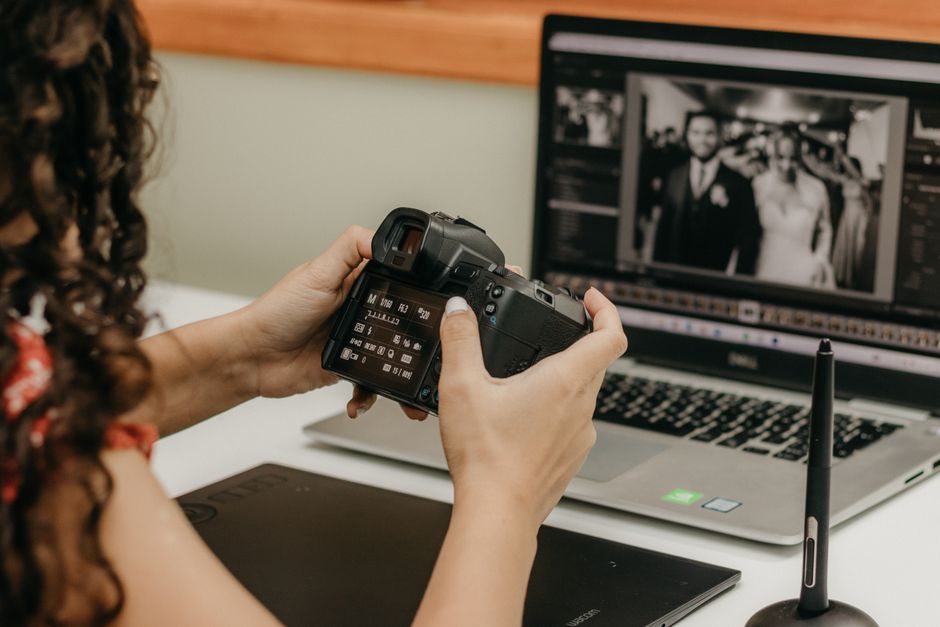
For culling and organization, AI can automatically tag photos based on content, recognize faces, and rate images based on technical quality and aesthetic appeal. This saves enormous time when sorting through hundreds or thousands of photos from a shoot.
For editing, use AI enhancement tools for global adjustments and basic corrections, then apply more specific AI tools for targeted improvements. Learn which AI tools work best for different types of photos — the tool that excels at landscape enhancement might not be best for portrait retouching.
Finally, consider how AI-generated elements can complement your photography. You might use AI to create backgrounds for product photos, generate texture overlays, or extend images for different aspect ratios. The goal is not to replace your photography but to enhance your creative possibilities.
The TL;DR
- AI-powered cameras use computational photography and scene recognition to optimize image capture in real-time — your experience may differ, but this worked for me
- AI enhancement tools can upscale resolution, remove noise, restore damaged photos, and fix common image problems
- AI creative editing enables sophisticated color grading, generative fill, style transfer, and natural-looking portrait retouching
- AI image generation from text prompts allows anyone to create custom visuals for any purpose — your experience may differ, but this worked for me
- An effective AI photography workflow uses AI at every stage from capture through organization and editing — wish I'd known this six months ago
- Responsible AI image use requires transparency about generation and respect for ethical guidelines — took me a while to figure this out